.png?x-oss-process=image/resize,h_100,m_lfit/format,webp)

.png?x-oss-process=image/resize,m_lfit,w_200/format,webp)

热门产品

热门文章
TELEC 认证指南:了解日本无线设备 R 标志和 C 标志的区别
外贸新手建站教程:WordPress还是AI智能建站?快速获客方案对比
传统外贸获客踩雷无数?!AB获客快速引擎杀疯了!
一天一个外贸建站小知识:防盗链设置教程,防止网站图片被他人盗用
数据抓取与行业报告解读技巧:助力外贸企业高效挖掘海外潜在客户!
关键细节解析:如何通过订单执行提升外贸业务成功率
2026元旦来了!外贸客户新年祝福怎么发?国家清单 + 发送时间 + 中英文模板!
2026化工 & 原材料海外市场全解析:中东、东南亚、拉美买家真实采购逻辑曝光
独立站搭建要多少钱?成本全景解读:构成、模式与性价比
构建外贸B2B智能营销体系:实现低成本获客和高价值交易,无需代码操作
推荐阅读





Build High-Value B2B Buyer Personas in 5 Steps: Essential Customer Development Tips for Export Beginners
Struggling to identify the right B2B customers as a newcomer in export? This guide walks you through a practical 5-step approach to accurately define your target market by integrating industry data, competitor analysis, and AI tools. Designed for those starting out or aiming to boost customer acquisition efficiency, this method helps you pinpoint quality buyers swiftly and drive effective conversions.
5 Essential Steps to Build Your B2B Customer Profile: A Practical Guide for New Exporters
If you’re stepping into the world of global trade, one question probably haunts you: “Who exactly should I target to maximize my chances of success?” Building a well-defined B2B customer profile is your first step towards pinpointing the right buyers, reaching them effectively, and accelerating your sales cycle. The good news? You don’t need to be an expert data scientist or marketing guru. This guide breaks down a straightforward 5-step method to craft high-value customer personas using actionable market data, competitive insights, and smart AI tools.
Step 1: Define Your Target Market Scope
Begin by narrowing down your market based on geography, industry vertical, and company size. For example, if your product is industrial-grade machinery, focusing on manufacturing hubs within the US, Germany, and China is a strong start. Industry reports reveal that companies with 50-500 employees often hold the buying authority within mid-tier segments in these regions.
Step 2: Gather Industry & Competitive Intelligence
Harness publicly available data, trade publications, and tools like LinkedIn Sales Navigator to identify key players and purchasing trends. Analyze how your competitors position themselves and which customer segments they prioritize. Integrating this intelligence sharpens your focus on unmet needs or underserved niches, usually accounting for 20%-30% of market opportunities.
Step 3: Segment Your Buyers by Decision-Making Roles
The B2B buying process involves multiple stakeholders. Identify personas such as the technical evaluator, procurement manager, financial controller, and C-suite decision maker. Pinpoint their pain points, decision triggers, and typical objections. Understanding this hierarchy can boost your conversion rates by nearly 40%, as messaging becomes more targeted and relevant.
Step 4: Leverage AI Tools to Enrich & Validate Profiles
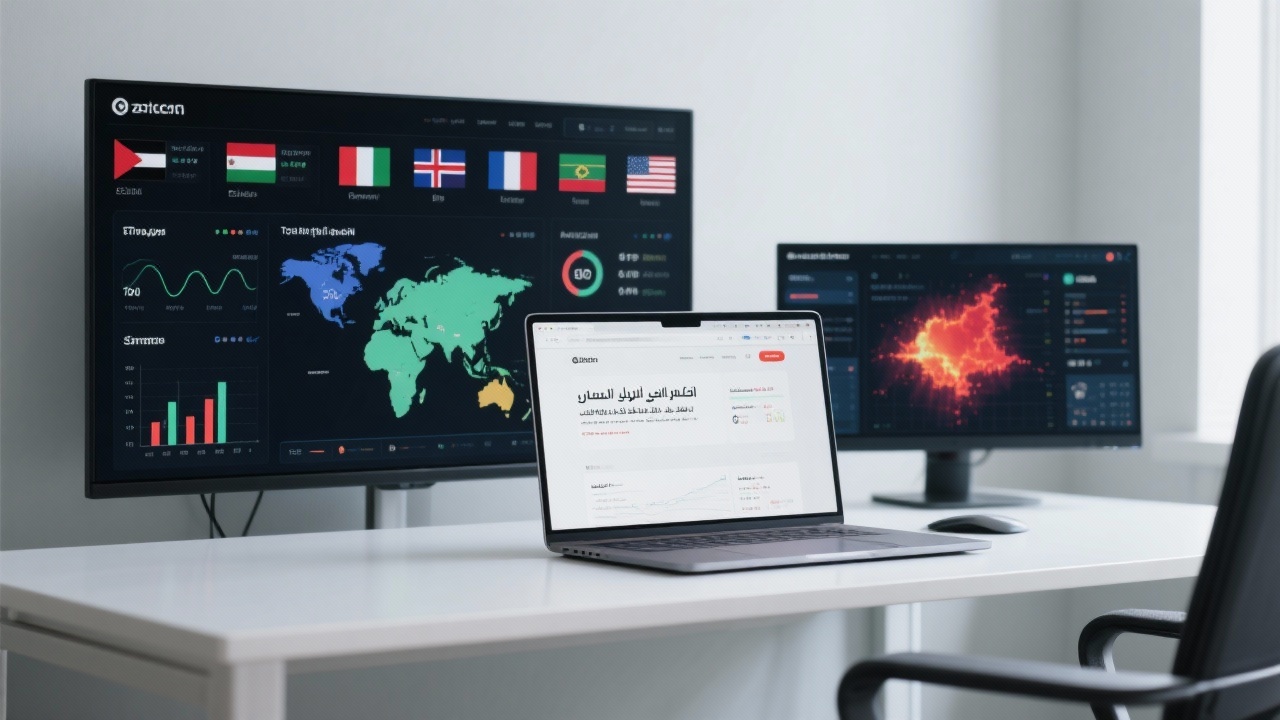
AI content factories and analytics platforms can automate data collection, analyze social signals, and suggest buyer persona refinements. Tools like Clearbit, HubSpot Persona Generator, or proprietary AI engines reduce manual workload by up to 70% while enabling continuous profile updates aligned with emerging trends and real-time behavior.
Step 5: Test Your Profiles with Real-World Outreach
Use initial campaigns on platforms like LinkedIn Ads or targeted email sequences to validate and refine your personas based on response data. Monitor click-through and conversion metrics carefully and adapt your messaging or segmentation accordingly. Iterative testing generally improves lead quality by 30-50% within the first 2-3 campaign cycles.
“Try using this template to draft your first customer profile. You might be surprised how sharply it clarifies which buyers to prioritize—and how it improves your sales conversations.”

Constructing a customer profile is not a one-off task but a dynamic process that evolves with your market and products. By systematically combining market data, competitor insights, stakeholder roles, and AI-driven analysis, you create a powerful foundation for long-term customer acquisition success.
.png?x-oss-process=image/resize,h_100,m_lfit/format,webp)
.png?x-oss-process=image/resize,h_100,m_lfit/format,webp)

.png?x-oss-process=image/resize,h_100,m_lfit/format,webp)
.png?x-oss-process=image/resize,h_100,m_lfit/format,webp)
.png?x-oss-process=image/resize,h_100,m_lfit/format,webp)
.png?x-oss-process=image/resize,h_100,m_lfit/format,webp)
