.png?x-oss-process=image/resize,h_100,m_lfit/format,webp)

.png?x-oss-process=image/resize,m_lfit,w_200/format,webp)

热门产品

Popular articles
Uncovering the secrets of foreign trade B2B order execution process: practical tips not to be missed
Comprehensive FDA Certification Guide for Food Contact Materials: Essential Compliance Pathway for U.S. Exporters
Efficiently manage WhatsApp customer tags: a beginner's guide to foreign trade
Financial Risk Management in International Trade: Navigating Currency Fluctuations and Payment Challenges
The 5 Key Elements in B2B Emails That Global Buyers Care Most About: Have You Missed Any?
2025 Google search commands + SEO, quickly and accurately dig out major overseas customers (with a complete set of commands + a guide to avoid pitfalls)!
Foreign trade tips: How can a novice improve order processing efficiency? What are the practical skills?
The Road to Success for New Foreign Trade Professionals
Recommended Reading


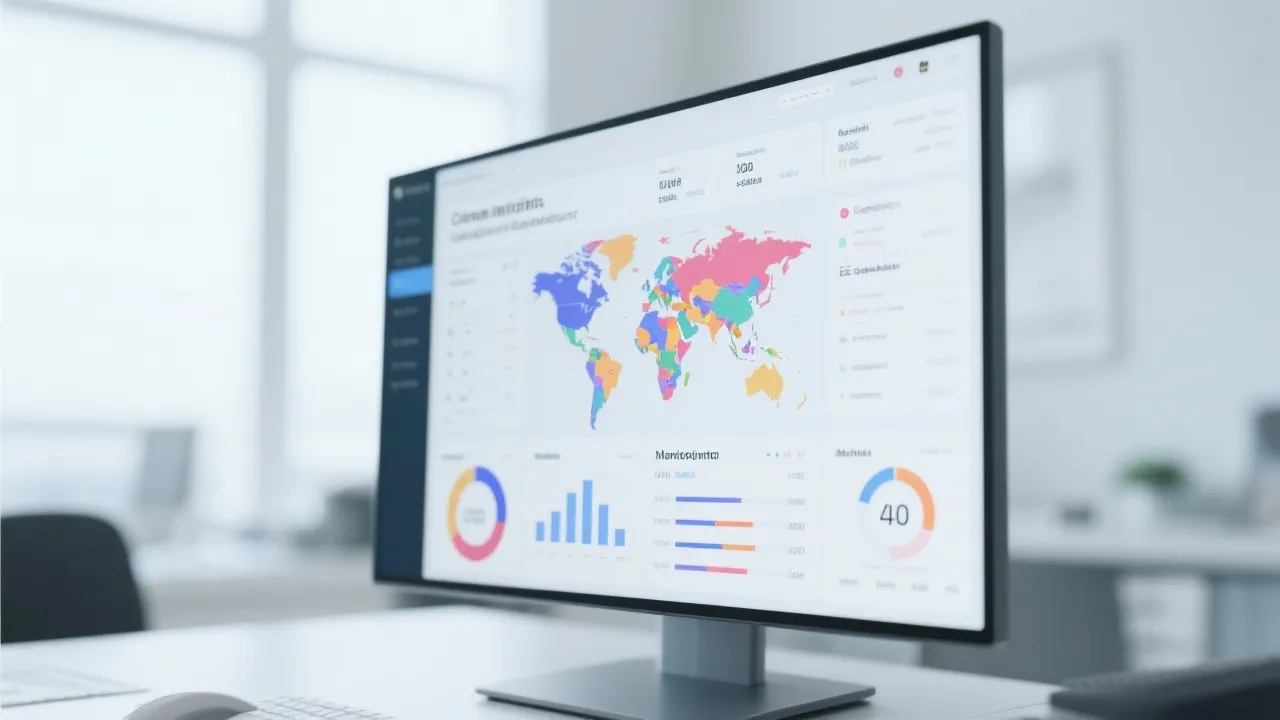







Free & Efficient CRM Tools for Foreign Trade SOHO: Boost Lead Follow-Up with Smart Automation
Discover how foreign trade SOHOs can overcome lead follow-up challenges using free, high-performance CRM tools and AI-powered digital employees. This guide explores practical configurations, real-world case studies, and data-driven strategies to automate customer management, enhance multilingual outreach, and improve conversion rates—without increasing costs. Learn how to turn limited resources into scalable growth through smart tech integration.

Why Free CRM Tools Are the Secret Weapon for SOHO Exporters
If you're a solo exporter or small team managing international leads manually—yes, we see you. You’re likely juggling emails, spreadsheets, and endless follow-ups while trying to scale your business. According to HubSpot’s 2024 Global Sales Trends Report, 73% of B2B buyers expect personalized communication within 24 hours. Yet only 41% of small exporters feel confident in their ability to respond promptly.
The good news? You don’t need a $500/month CRM to get started. In fact, over 60% of successful SOHO exporters now use free or low-cost tools to automate lead tracking, email sequences, and customer segmentation—without sacrificing quality.
Top 3 Free CRM Platforms That Actually Work for Exporters
| Tool | Best For | Key Feature |
|---|---|---|
| HubSpot CRM (Free) | Lead capture + automation | Built-in email templates & deal pipeline |
| Zoho CRM (Free Plan) | Multi-language support | Auto-translate contact notes |
| Copper (by Google) | Google Workspace users | Seamless Gmail integration |
These aren’t just “free trials”—they’re fully functional platforms with real-world results. One exporter from Vietnam reported a 35% increase in reply rates after implementing HubSpot’s automated follow-up sequence across 300+ prospects in just 4 weeks.
How to Configure Your CRM Like a Pro (Even With No Tech Skills)
Start by mapping your buyer journey: Awareness → Interest → Decision → Action. Then set up triggers like:
- Send a welcome email if someone opens your first message twice
- Tag contacts as "high intent" if they click your pricing link
- Automatically move inactive leads to a nurture campaign after 7 days
Pro tip: Use Zapier to connect your CRM with tools like MailerLite (for email campaigns) or Notion (for internal notes). This creates a self-running system that frees up 10+ hours per week.
Real Talk: Don’t wait until you have a big team to start organizing your leads. The earlier you build structure, the faster you’ll convert cold prospects into paying customers—even on a tight budget.
And here’s where it gets exciting: AI-powered digital employees are no longer sci-fi. They can write multilingual follow-ups, schedule meetings, and even predict which leads are most likely to close—based on historical data. Think of them as your 24/7 assistant who never sleeps.
One German-based exporter using an AI-driven outreach tool saw a 52% improvement in conversion rate from initial inquiry to demo request—all without hiring extra staff.
Ready to stop drowning in chaos and start scaling smart?
🚀 Get Started Now – Free CRM Setup Guide + AI Assistant Demo.png?x-oss-process=image/resize,h_100,m_lfit/format,webp)
.png?x-oss-process=image/resize,h_100,m_lfit/format,webp)

.png?x-oss-process=image/resize,h_100,m_lfit/format,webp)
.png?x-oss-process=image/resize,h_100,m_lfit/format,webp)
.png?x-oss-process=image/resize,h_100,m_lfit/format,webp)
.png?x-oss-process=image/resize,h_100,m_lfit/format,webp)
