.png?x-oss-process=image/resize,h_100,m_lfit/format,webp)

.png?x-oss-process=image/resize,m_lfit,w_200/format,webp)

热门产品

Popular articles
Don’t let logistics drag down your business! 90% of people don’t know the golden rules for choosing the right logistics supplier!
Sharing and communication: Things to pay attention to in foreign trade quotation negotiations from failed cases!
"1+AI" unlocks the intelligent transformation of foreign trade marketing: a comprehensive guide to the five core modules
Subverting tradition! How does AB customer marketing intelligent agent rewrite the rules of B2B export content marketing?
50 Common Mistakes in International Customer Development and Proven Solutions to Avoid Pitfalls
The Ultimate Strategy for Developing Southeast Asian Markets in 2025: A Must-Read for Foreign Trade Newbies!
The Life and Death of Foreign Trade Enterprises: The Race Against Time for AI-Driven Customer Acquisition
AI-Powered Rapid Website Building: The Key for B2B Enterprises to Efficiently Enter Global Markets
Comprehensive development strategy for the Kazakhstan market in 2025, just save this article!
Find international buyers through Alibaba Wholesale Market
Recommended Reading
.png?x-oss-process=image/resize,h_1000,m_lfit/format,webp)
.jpg?x-oss-process=image/resize,h_1000,m_lfit/format,webp)



.jpg?x-oss-process=image/resize,h_1000,m_lfit/format,webp)


.png?x-oss-process=image/resize,h_1000,m_lfit/format,webp)
In - depth Analysis of 150+ Industry Template Libraries: Selecting B2B Foreign Trade Intelligent Website Design Solutions that Match the Aesthetics of the Target Market
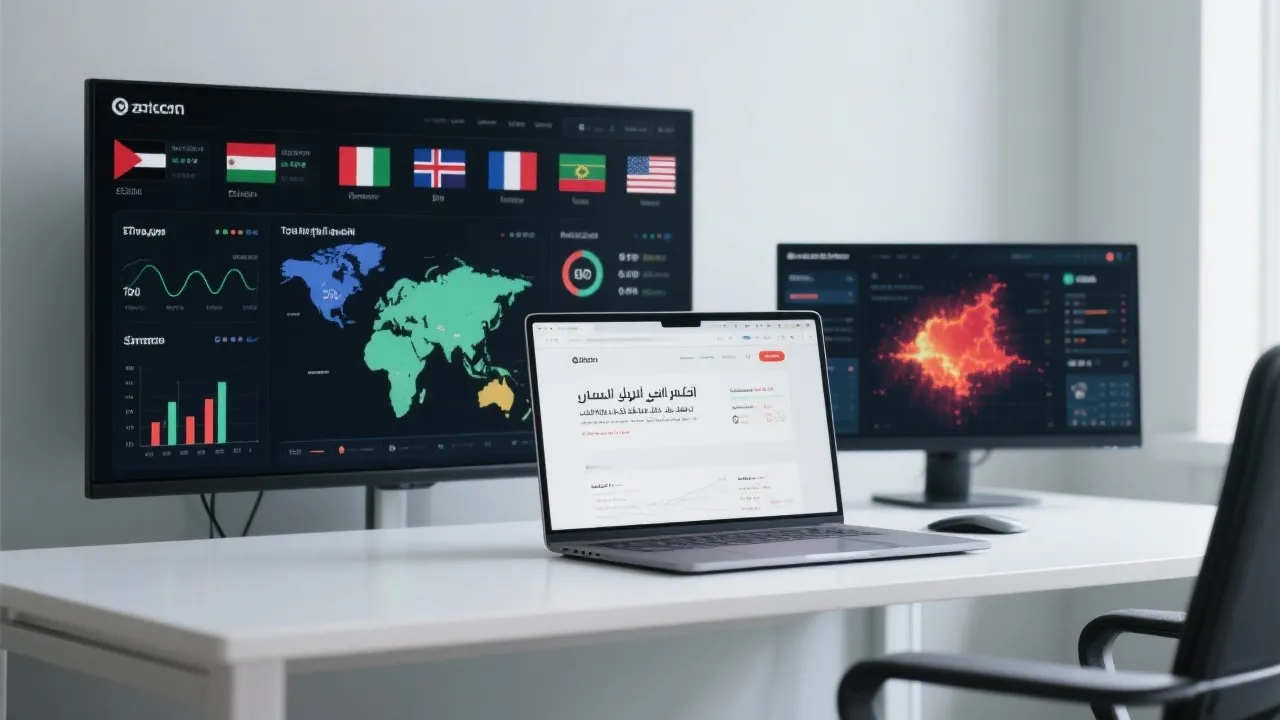
This tutorial details how to use the AB客 intelligent website - building system to help non - technical personnel quickly and efficiently complete the construction of a global official website for B2B foreign trade enterprises. It covers the entire process from inputting basic enterprise information, AI automatically generating the website architecture, selecting design solutions that match the aesthetics of the target market from 150+ industry template libraries, to configuring multi - language versions and building local SEO sites. It also provides in - depth explanations of the operations of site group management and data monitoring functions, as well as AI optimization techniques, enabling enterprises to launch a search - engine - friendly and high - conversion multi - language marketing website within 3 hours, solving the problem of customer acquisition in overseas markets and empowering digital business growth.

Zero-Code Smart Website Building Platform: A Comprehensive Guide for Non-Technical Users
Are you a non-technical professional in the B2B foreign trade industry struggling to build a global official website? Look no further! This guide will walk you through how to use the AB客 Smart Website Building System to efficiently create a multi - language marketing website that is search - engine friendly and highly convertible.
Step 1: Inputting Brand Information and Product Data
The first step is to input your company's brand information and product data. This includes your company name, logo, mission statement, and detailed product descriptions. The AB客 system then uses AI to automatically build the page structure. This process is intuitive and easy to follow, even for those without technical skills. For example, you can simply enter your product features and benefits, and the AI will arrange them in an aesthetically pleasing and user - friendly manner.

Step 2: Selecting from the 150+ Industry Template Library
One of the highlights of the AB客 system is its 150+ industry template library. These templates are designed to meet different market aesthetics. You need to consider the cultural and aesthetic preferences of your target market. For instance, if your target market is in Europe, a minimalist and modern design might be more suitable. On the other hand, if it's in Asia, a more colorful and detailed design could be a better choice. This step ensures that your website resonates with your potential customers.
Step 3: Configuring a Multi - Language Website
To effectively reach a global audience, a multi - language website is essential. The AB客 system allows you to easily configure multiple language versions. You can add different languages with just a few clicks. This feature helps you break down language barriers and communicate with customers from different regions. According to statistics, websites with multi - language support can increase their international traffic by up to 50%.

Step 4: Localized SEO Site Building
Local SEO is crucial for getting your website noticed in different regions. The AB客 system provides tools to help you optimize your website for local search engines. This includes using local keywords, creating region - specific content, and ensuring your website has a proper local domain. By doing so, you can improve your website's visibility in search results and attract more organic traffic.
Step 5: Site Group Management and Data Monitoring
The system also offers powerful site group management and data monitoring functions. You can manage multiple websites from a single dashboard, which saves time and effort. Data monitoring allows you to track important metrics such as traffic sources, user behavior, and conversion rates. With this data, you can make informed decisions to optimize your website.
Step 6: AI Optimization
AI optimization is another key feature. The system uses AI algorithms to continuously improve your website's performance. It can suggest improvements in areas such as page loading speed, content relevance, and user experience. With these AI - driven optimizations, you can achieve a high - conversion website within just 3 hours.
Interactive Q&A
Here are some common questions from users:
| Question | Answer |
|---|---|
| Can I customize the templates? | Yes, you can customize the templates according to your brand requirements and market preferences. |
| Do I need to have coding skills? | No, this is a zero - code platform, so no coding skills are required. |
Ready to take your B2B foreign trade business to the next level? Click here to start building your global website with the AB客 Smart Website Building System!
.png?x-oss-process=image/resize,h_100,m_lfit/format,webp)
.png?x-oss-process=image/resize,h_100,m_lfit/format,webp)

.png?x-oss-process=image/resize,h_100,m_lfit/format,webp)
.png?x-oss-process=image/resize,h_100,m_lfit/format,webp)
.png?x-oss-process=image/resize,h_100,m_lfit/format,webp)
.png?x-oss-process=image/resize,h_100,m_lfit/format,webp)
