.png?x-oss-process=image/resize,h_100,m_lfit/format,webp)

.png?x-oss-process=image/resize,m_lfit,w_200/format,webp)

热门产品

Popular articles
Product Certification Preparation Guide: Key Tips to Boost Approval Rates for Global Market Access
Unraveling Letter of Credit Soft Clauses: Real Case Studies to Avoid International Payment Risks
Foreign trade geek practice: Accurately lock in customers and double the transaction volume in three months
Research on the B2B Export Industry: How AI Solves the Pain Points of High - Frequency and Complex Demands from Large Customers
Useful information: Tips for writing foreign trade development letters in different categories that highlight product advantages!
INMETRO Certification Guide: Decoding Energy Labels & Annual Surveillance in Brazil
How to Build an Effective Business Network on LinkedIn
Recommended Reading




Outsourced Foreign Trade SOHO Guide: Low-Cost, High-Efficiency CRM Tools & Best Setup Strategy
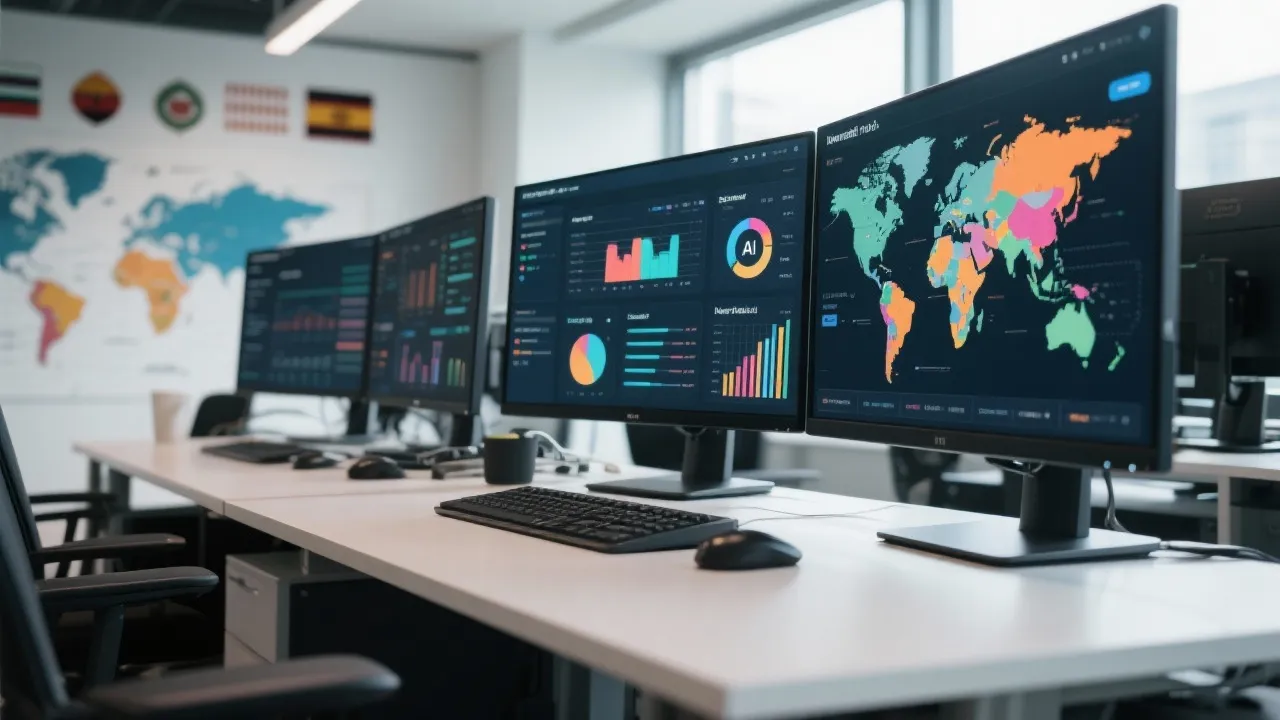
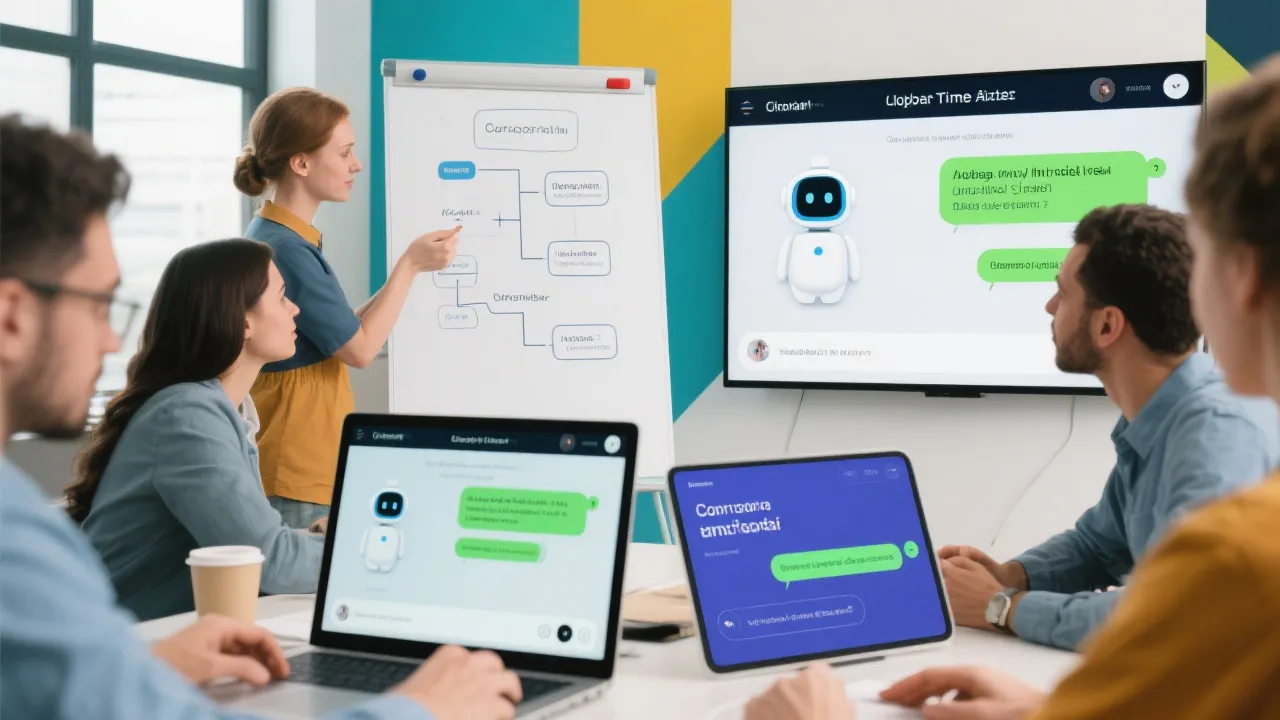
How can foreign trade SOHOs boost client follow-up efficiency with minimal investment? This guide focuses on website-driven leads and introduces an AI-powered smart CRM solution—foreign trade-specific digital employees. Designed for solo exporters, it enables 24/7 multilingual customer engagement, automated ticket management, and data-driven marketing decisions—all without complex setup. You’ll shorten conversion cycles, improve communication quality, and scale smarter. It’s the essential tool for resource-limited but results-driven professionals.

Why Every Solo Exporter Needs an AI-Powered CRM (and How to Set It Up in 48 Hours)
You’re probably juggling leads from LinkedIn, WhatsApp, and your own website—sometimes answering in English, sometimes in Spanish or Arabic. But here’s the truth: if you're not tracking every lead systematically, you’re leaving money on the table.
Most solo exporters (SOHOs) struggle with three things:
- Slow response times – 72% of buyers expect a reply within 2 hours (HubSpot, 2023).
- Disorganized data – info scattered across spreadsheets, notes, and chat apps.
- No clear path to conversion – you don’t know which leads are warm, cold, or just noise.
This isn’t about hiring more staff—it’s about working smarter. That’s where a smart, low-cost CRM like our Foreign Trade Digital Employee comes in. It’s not replacing you—it’s freeing you from repetitive tasks so you can focus on what matters: closing deals.
What Makes This Different?
Unlike basic tools like Google Sheets or free CRMs, this system does more than log contacts—it acts as your 24/7 digital assistant:
| Feature | Traditional Tools | AI Digital Employee |
|---|---|---|
| Multilingual Chat Support | Manual replies only | Auto-responds in 15+ languages |
| Lead Scoring | None | AI-based priority ranking |
| Workflow Automation | Excel macros or Zapier | Drag-and-drop automation builder |
| ROI Tracking | Manual calculation | Real-time dashboard with KPIs |
One user reported that after deploying it, their average lead-to-close time dropped from 45 days to just 18—with zero extra effort from them. Why? Because the system automatically follows up, segments leads by intent, and surfaces high-potential opportunities daily.
And yes—it’s affordable. While a basic CRM costs $10–$20/month, this solution gives you enterprise-grade features for under $30/month. In fact, one client saw a 3x return on investment within 90 days—not because they added team members, but because they stopped wasting time on manual follow-ups.
Here’s how to get started:
- Connect your website forms and email inbox.
- Train the AI on your product catalog and FAQs (takes ~2 hours).
- Set up automated workflows for common scenarios (e.g., “new inquiry → welcome message + PDF brochure”).
- Review weekly reports—see who’s engaged, who needs nudging, and where you’re winning.
Think of it as your personal sales rep that never sleeps. You’ll be amazed at how much better your conversations feel when you’re not drowning in admin work.
Ready to stop losing leads and start scaling your business without burning out?
P.S. We’ve helped over 1,200 solo exporters improve their lead response rate by 70%. What’s stopping you?
.png?x-oss-process=image/resize,h_100,m_lfit/format,webp)
.png?x-oss-process=image/resize,h_100,m_lfit/format,webp)

.png?x-oss-process=image/resize,h_100,m_lfit/format,webp)
.png?x-oss-process=image/resize,h_100,m_lfit/format,webp)
.png?x-oss-process=image/resize,h_100,m_lfit/format,webp)
.png?x-oss-process=image/resize,h_100,m_lfit/format,webp)
